
Reference

ringbet Live Blackjack Table, Ready for Indonesia

Live Blackjack Table on ringbet puts dealer-led blackjack rounds, visible card actions and a focused table view in one lobby entry.

Dealer-led roundsHit, stand, doubleMobile table controlsPhone verification
ringbet ringbet Live Blackjack Table, Ready for Indonesia
ringbet See Each Blackjack Decision Clearly

See Each Blackjack Decision Clearly

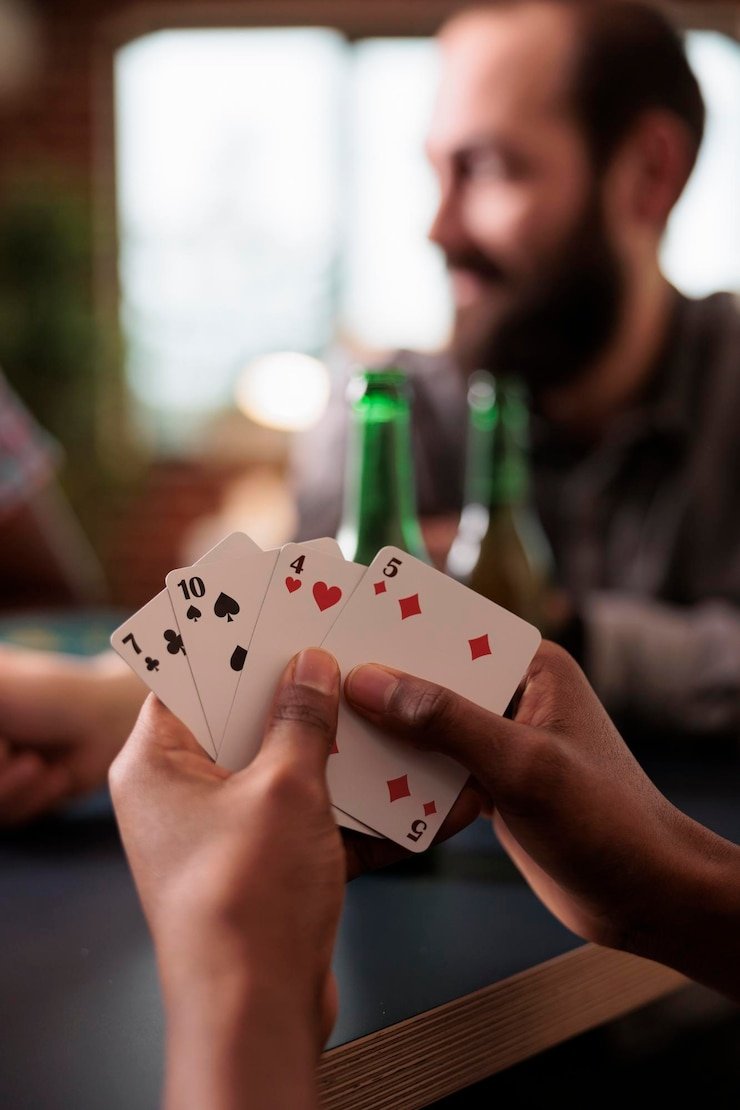
Live Blackjack Table is a dealer-streamed card game where your aim is to finish closer to 21 than the dealer without going over. Our table view keeps the dealer hand, your cards, available actions, and round timer visible together. After choosing a stake, you act only when the table invites you to hit, stand, double, or split eligible pairs. The game stands

apart from Fortune Fishing Game because every round follows familiar blackjack card rules rather than feature-based rounds.


AT THE TABLE

Three Details You Can Follow

Blackjack decisions happen in short, visible stages, so we keep each relevant table detail close to the action buttons.

Updated today
ringbet Dealer card sequence
ROUND FLOW

Dealer card sequence

The live stream shows the dealer dealing cards before your action window appears. Your hand total remains on screen while the dealer upcard stays visible, helping you assess the next decision without switching to a separate card display.

ringbet Hit, stand, double, split
CARD ACTIONS

Hit, stand, double, split

Action buttons appear only when they apply to your hand and the current table rules. A pair may show split, while a two-card total may show double, reducing uncertainty about which choice the table can accept.

ringbet Live dealer presentation
TABLE FORMAT

Live dealer presentation

Unlike an automated blackjack screen, this table uses a dealer-led video feed and a timed action panel. You can follow the physical dealing sequence while our interface records your selected action for that round.

Enter Live Blackjack Table With Confidence

A clear entry path matters when you want to join a live round without missing the table state.

Choose the table

Open the casino lobby and select Live Blackjack Table rather than a slot room or sports market. The table screen presents its current round status before you commit a stake, so you can enter with the displayed format in view.

Set your stake

Use the stake selector on the table screen before the action period begins. The selected amount is shown beside your hand area, allowing you to check it before the dealer completes the first card sequence.

Read your hand

Your current total updates after each dealt card, while the dealer upcard stays visible nearby. This makes common blackjack decisions easier to follow, especially when choosing whether to hit, stand, double, or split.

Follow the timer

A timed action window keeps the live table moving after cards are dealt. If you are on mobile, keep the table open and avoid changing pages during this period so the selected action can be recorded clearly.

TABLE FACTS

Check The Live Table Format

Live Blackjack Table is presented as a live dealer card table, not as a slot title with a fixed feature cycle.

01

Game type

Live dealer blackjack with streamed card dealing and action choices for hit, stand, double, and split where the current table rules allow them.

02

Volatility

Variable by hand outcome and decision choice; this is not a fixed volatility slot format because each round follows the cards dealt at the table.

03

Supported devices

Mobile browser and desktop browser access are available through the casino lobby, with the action panel adapting to the screen width.

04

Access region

Indonesia availability depends on local law. Check the logged-in lobby status before entering Live Blackjack Table from your account.

PHONE TABLE VIEW

Keep Every Card Action Visible

On a phone, Live Blackjack Table places your cards, dealer upcard, action timer, and key buttons inside one compact view.

Dealer stream above cards
Compact action buttons
Mobile browser entry
Lobby-to-table path
ringbet mobile gaming
TABLE HELP PATH

Get Help During A Table Issue

Table-specific help starts with the detail you can see on screen: the round state, action button, or stream status.

Action did not register If a selected blackjack action is not reflected on screen, note whether the timer…
Stream is delayed When the dealer stream appears delayed, avoid repeatedly changing table pages during an active…
Account access blocks entry Live Blackjack Table requires account access after clear phone verification.
FAIR TABLE SIGNALS

Understand How Each Round Is Shown

Confidence in a live blackjack round comes from seeing the dealing sequence, understanding the permitted actions, and checking the result shown in your table history.

Visible dealer feed

The dealer-led stream lets you follow the card sequence as it is presented at the table.

Rules on screen

Table rules are displayed within the Live Blackjack Table screen, where you can check the available player actions before entering…

Action confirmation

After you make an eligible choice, the interface reflects the recorded action in the hand area.

Hand result record

The table result is shown after the dealer completes the round.

Verified account entry

Phone verification is required before account access to the table lobby.

Regional status check

Availability for Live Blackjack Table depends on local law and the status displayed after login.

LOBBY COMPARISON

Choose The Table That Fits

The casino lobby contains different formats, but Live Blackjack Table is built for card decisions against a dealer rather than rapid automated rounds.

01

Live Blackjack Table

Choose this format for dealer-led blackjack, visible cards, and decisions such as hit, stand, double, and split. The pace follows a live action timer rather than an automated reel cycle.

02

Yogyakarta Live Table

Choose Yogyakarta Live Table when you want another live-table setting from the lobby. Check its individual screen rules because its table format and available actions are separate from Live Blackjack Table.

03

Fortune Fishing Game

Choose Fortune Fishing Game for a game format centered on targets and screen interactions rather than card totals. It does not use a dealer upcard, blackjack action timer, or split decisions.

04

Aviator Fast Round

Choose Aviator Fast Round for quick round timing and a different game mechanic. Live Blackjack Table is the more suitable option when you want to assess cards and make classic dealer-table choices.

05

Indonesia Secure Login 510

Indonesia Secure Login 510 is an account-related lobby title rather than a blackjack table. Use the account flow there if prompted, then return to Live Blackjack Table after phone verification is complete.

06

Volleyball Proliga Bet

Volleyball Proliga Bet belongs to the sports area and focuses on volleyball markets. Live Blackjack Table remains in the casino lobby, where each round is determined by the dealer’s card sequence.

07

Dragon Tiger context

Dragon Tiger is another dealer-table card format with a simpler side-selection structure. Live Blackjack Table offers more in-hand choices because you can respond to your own cards through the displayed blackjack controls.

BLACKJACK HIGHLIGHTS

Six Things The Table Keeps Clear

Every useful Live Blackjack Table detail should be available when you need to make a card decision.

Dealer upcard The dealer upcard is visible during your decision stage, giving…
Your total Your hand total updates as cards are dealt and added…
Stake display The selected stake is shown on the Live Blackjack Table…
Timed choices A visible action period signals when you can respond to…
Split eligibility When your first two cards form an eligible pair, the…
Finished round state After the dealer resolves the hand, the result appears in…

Live Blackjack Table Questions Answered

These answers focus on the Live Blackjack Table screen, its card actions, and the account steps needed to reach it. We keep the answers practical because table access, stream visibility, and decision timing are the details that matter once you are in the casino lobby. If your displayed table state differs from what you expect, use the logged-in support path with the round details.

Live Blackjack Table on ringbet is a dealer-led blackjack game shown through a live table feed. You receive cards, compare your hand against the dealer, and use the available on-screen actions such as hit, stand, double, or split when eligible.

Log in, complete phone verification if prompted, open the casino lobby, and select Live Blackjack Table. Check the displayed table status and rules before choosing your stake. Access availability depends on local law and the status shown after login.

Yes, the table is available through a mobile browser path from login to the casino lobby. The phone view keeps the dealer stream, your cards, action buttons, and timer together, so you can follow the round without a separate app.

The action panel can show hit, stand, double, and split when those choices apply to your current hand and the displayed rules. Not every action appears in every round, so use the live table panel as the reference before tapping.

The timer marks the period when the table can accept your blackjack decision after cards are dealt. Choose your action before it closes and check the hand area for confirmation. Avoid changing pages during an active decision period on mobile.

First check your connection and wait for the current round to finish rather than repeatedly refreshing the table. If the visible hand state remains unclear, contact support from your logged-in account area with the table name and approximate round time.

Once the dealer completes the hand, the result appears in the table interface. You can also check the completed round through your account history. Keep the approximate time available if you need help matching the result to the live table display.